Computers for College: What You Actually Need in 2026
Podcast: Download
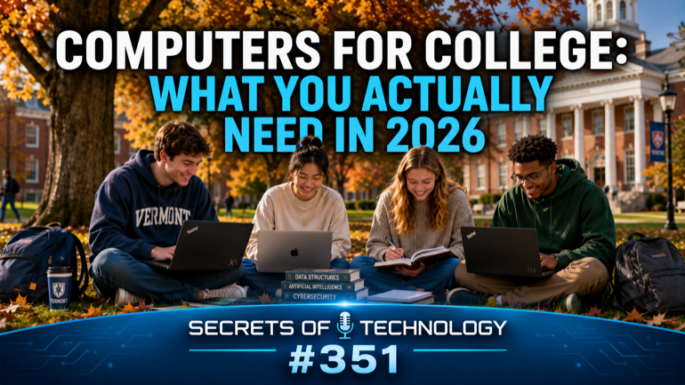
TEC351: Laptop prices have jumped and RAM has never been scarcer — so how do you buy exactly the computer a college student needs without overspending or underbuying? Dom Bettinelli, Fr. Joseph Sund, and Tom Grelinger walk through the whole decision tree for back-to-school computer shopping, grounded in the Catholic call to good stewardship — using resources wisely when college is already expensive enough.
They start with laptop vs. desktop: portability wins for most students, but dollar-for-dollar a desktop still buys more RAM and power, and a “two-computer strategy” — a beefy desktop at home paired with a cheap laptop for class — can make sense for gamers or students with existing hardware.
On the platform question, the panel breaks down each option. A current-generation MacBook Air (M4 or M5) suits about 90% of students, and Apple Silicon holds its value and usefulness for years — Dom is still editing the network’s shows on an M2 Mac Studio. The new MacBook Neo ($599, $499 with education pricing) works for basic humanities needs, but its 8GB of RAM makes it a tough stretch for a four-to-eight-year program like pre-med or engineering. On the Windows side, they recommend sticking with recognized brands — the Lenovo Yoga Slim 7i Aura Edition for all-day battery and build quality, the Lenovo ThinkPad X1 Carbon Gen 13 for computer science and data science students who need real horsepower, and the budget-friendly Lenovo IdeaPad Slim 5i for students on a tighter budget. Tom also flags a trap: Copilot Plus PCs running ARM chips instead of Intel or AMD can struggle to run older Windows software — worth avoiding unless a student’s program specifically calls for one.
Linux gets a nuanced take: great for reviving an old laptop, and sometimes required for cybersecurity programs, but not the best time to introduce a first-time user to it during freshman year. And Chromebooks remain a legitimate option for students who live entirely in Google Docs, Sheets, and Gmail — though Fr. Joseph Sund warns that data tied to a university Google account needs to be migrated out before graduation.
The panel then maps RAM, storage, and GPU needs to specific majors — humanities and business, science and pre-med, computer science and cybersecurity, engineering, and art, film, and animation — plus practical advice on sales-tax holidays, manufacturer refurbs, external monitors, and setting up automatic backups before a student ever leaves home.
 Apple Podcasts
 YouTube
 Spotify
 Amazon Music
 TuneIn
 RSS
RSSGet all new episodes automatically and for free:
Follow by Email | Listen to this episode and subscribe on YouTube.
Help us continue to offer Secrets of Technology. Won’t you make a pledge at SQPN.com/give today?
Links for this episode:
- iPad
- MacBook Air
- Apple Certified Refurbished
- Apple Education Store
- Mac Studio
- MacBook Neo
- No Man’s Sky
- MacBook Pro
- Lenovo Yoga Slim 7i Aura Edition
- Lenovo ThinkPad X1 Carbon Gen 13
- Lenovo IdeaPad Slim 5i
- Dell XPS 13
- HP OmniBook X Flip
- Copilot+ PCs
- Linux Mint
- Ubuntu
- Raspberry Pi
- Dell XPS 13 Developer Edition (Ubuntu)
- Framework Laptop
- Adobe Creative Cloud
- DaVinci Resolve
- Chromebook
- Google Workspace
- Microsoft 365
- Backblaze
- AppleCare
- Leave us a review on Apple Podcasts!
- Join the conversation at the StarQuest Facebook page.
- Be part of the StarQuest Discord community at SQPN.com/discord
- Email us feedback or comments to [email protected]
Picks of the Week:
- Fr. Joseph: Duino Coin
- Tom: Maxell Sync Up Type C Earbuds
- Dom: Desktop Icon Manager
Want to Sponsor A Show?
Support StarQuest’s mission to explore the intersection of faith and pop culture by becoming a named sponsor of the show of your choice on the StarQuest network. Click to get started or find out more.
Disclaimer: Hosts, panelists, and guests may have a financial interest in the companies discussed through investments or other means. Their opinions and recommendations are not affected and do not present a conflict of interest. We offer this statement in the interest of full disclosure.